Reply to Google reviews from LUXNOUS
By LUXNOUS · Magyar · Deutsch · Español
Screenshots show the English demo interface with fictional salon data. The guide also describes steps beyond the screens shown.
Google Business Profile
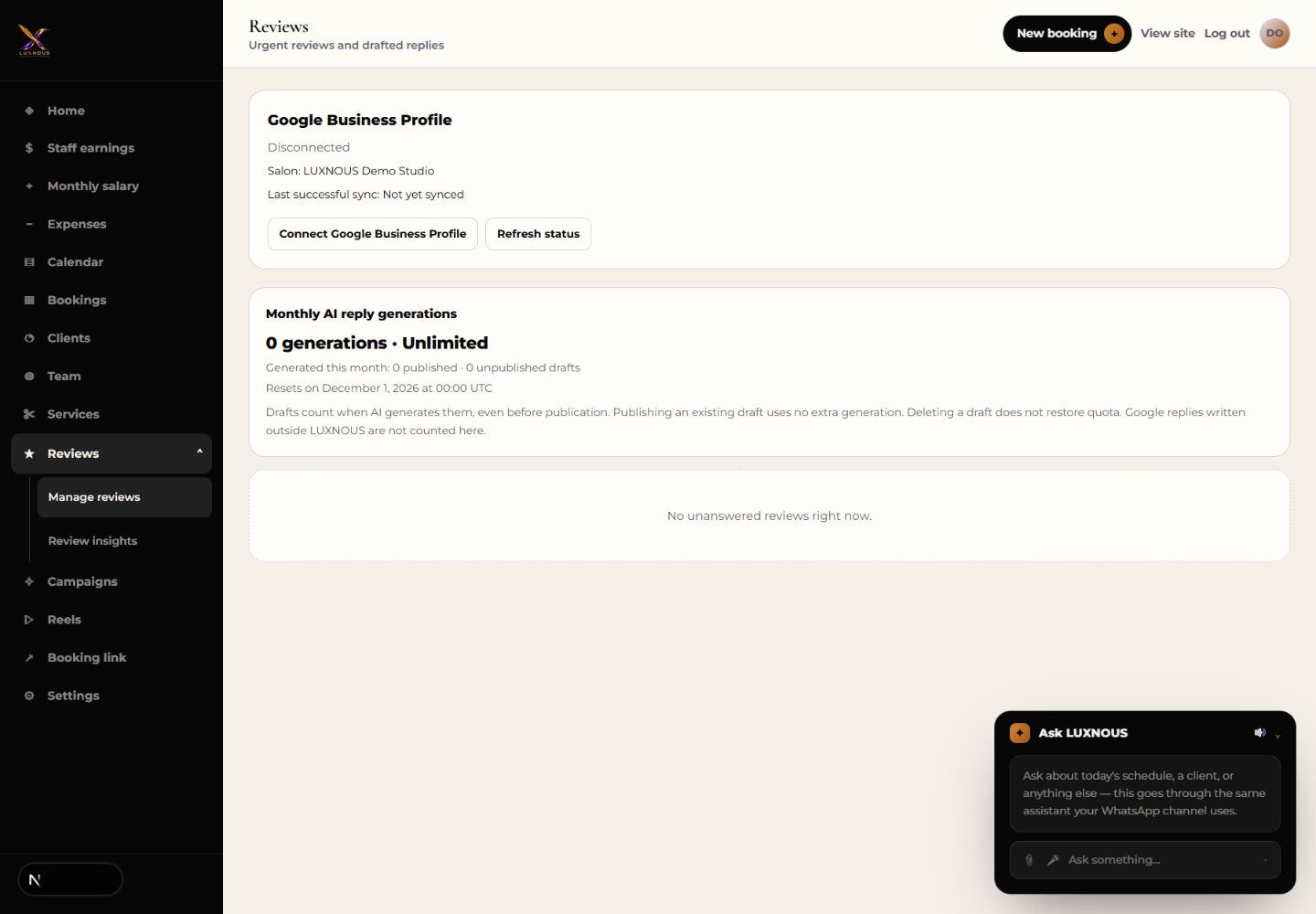
Go to Reviews, then Manage reviews. Connect the Google account that manages your business and choose the correct location. Once reviews are available, open one, prepare a reply, and check its facts and tone. Publish the reviewed reply and check its status.
Where does the reply appear?
A published Google review reply appears on the connected Google Business Profile.