Create and download a salon reel
By LUXNOUS · Magyar · Deutsch · Español
Screenshots show the English demo interface with fictional salon data. The guide also describes steps beyond the screens shown.
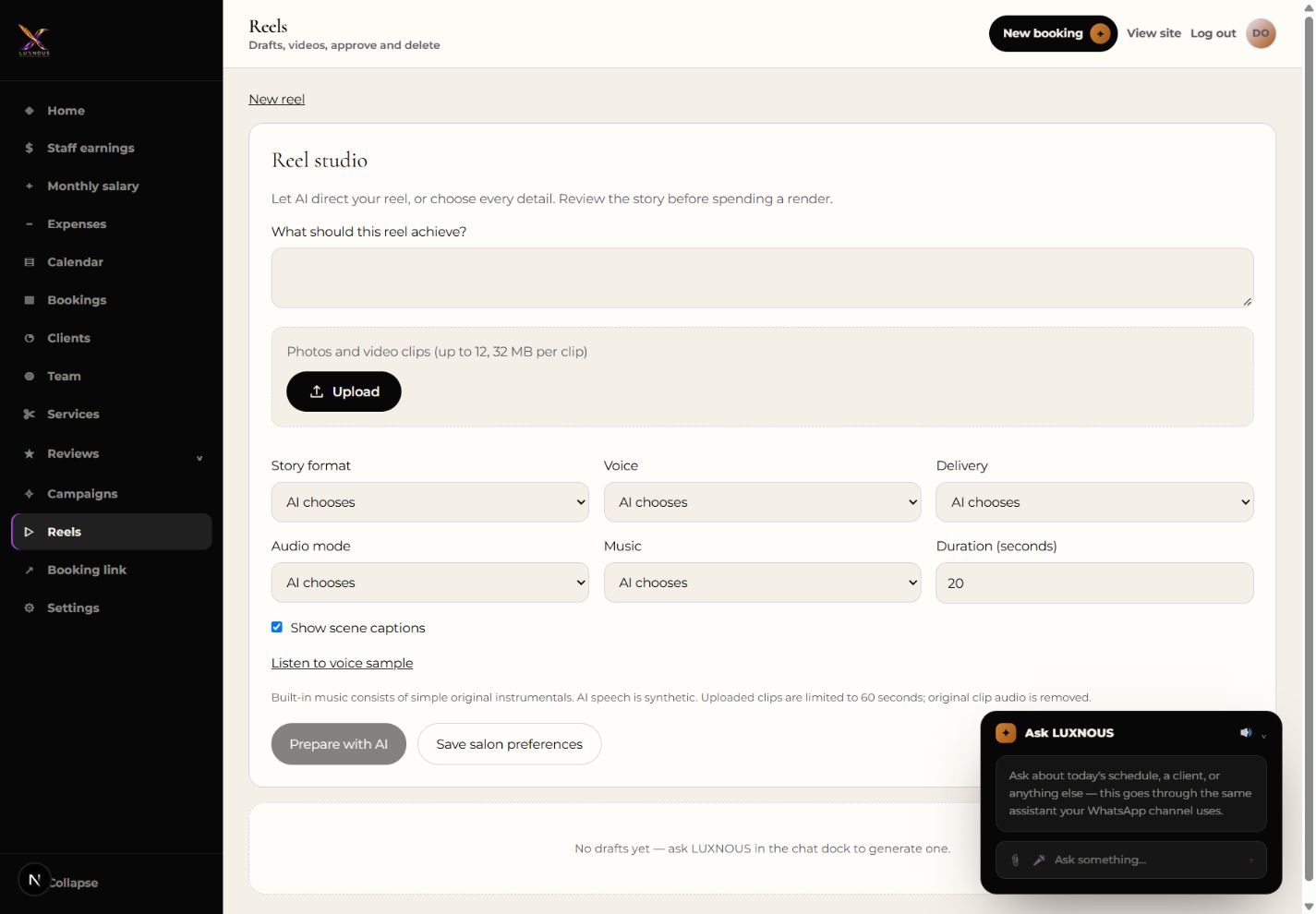
Reel studio
Open Reels and select New reel. Choose images you have permission to use and set the topic and duration. Prepare the storyboard and review the script, images and voice. Start rendering when the draft is ready. When the finished video is available, select Download.
How do I share the finished reel?
Download the video from LUXNOUS, then upload it to your chosen social account.