Manage an appointment and close the visit
By LUXNOUS · Magyar · Deutsch · Español
Screenshots show the English demo interface with fictional salon data. The guide also describes steps beyond the screens shown.
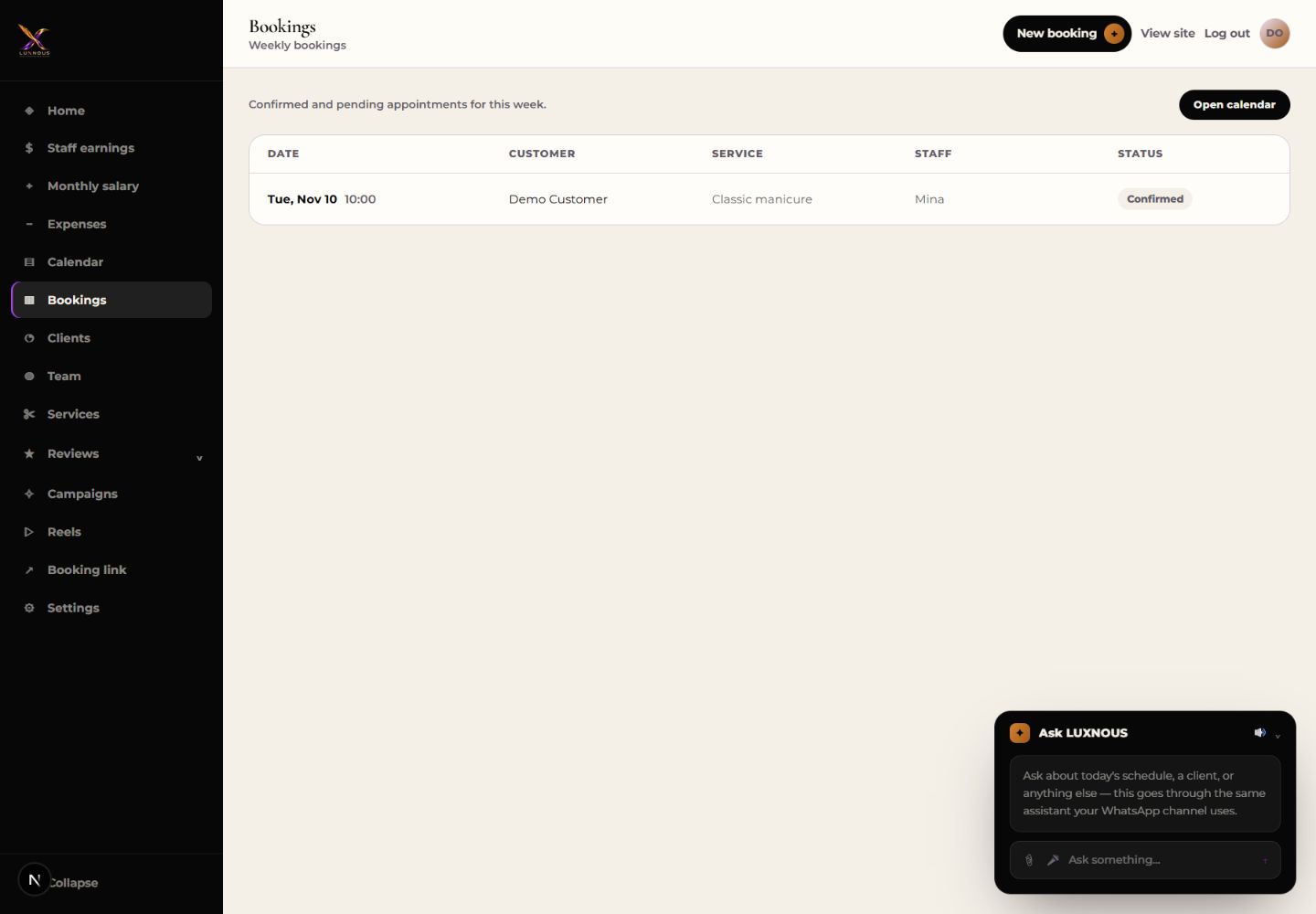
Bookings
Find the appointment in Bookings and use Open calendar.
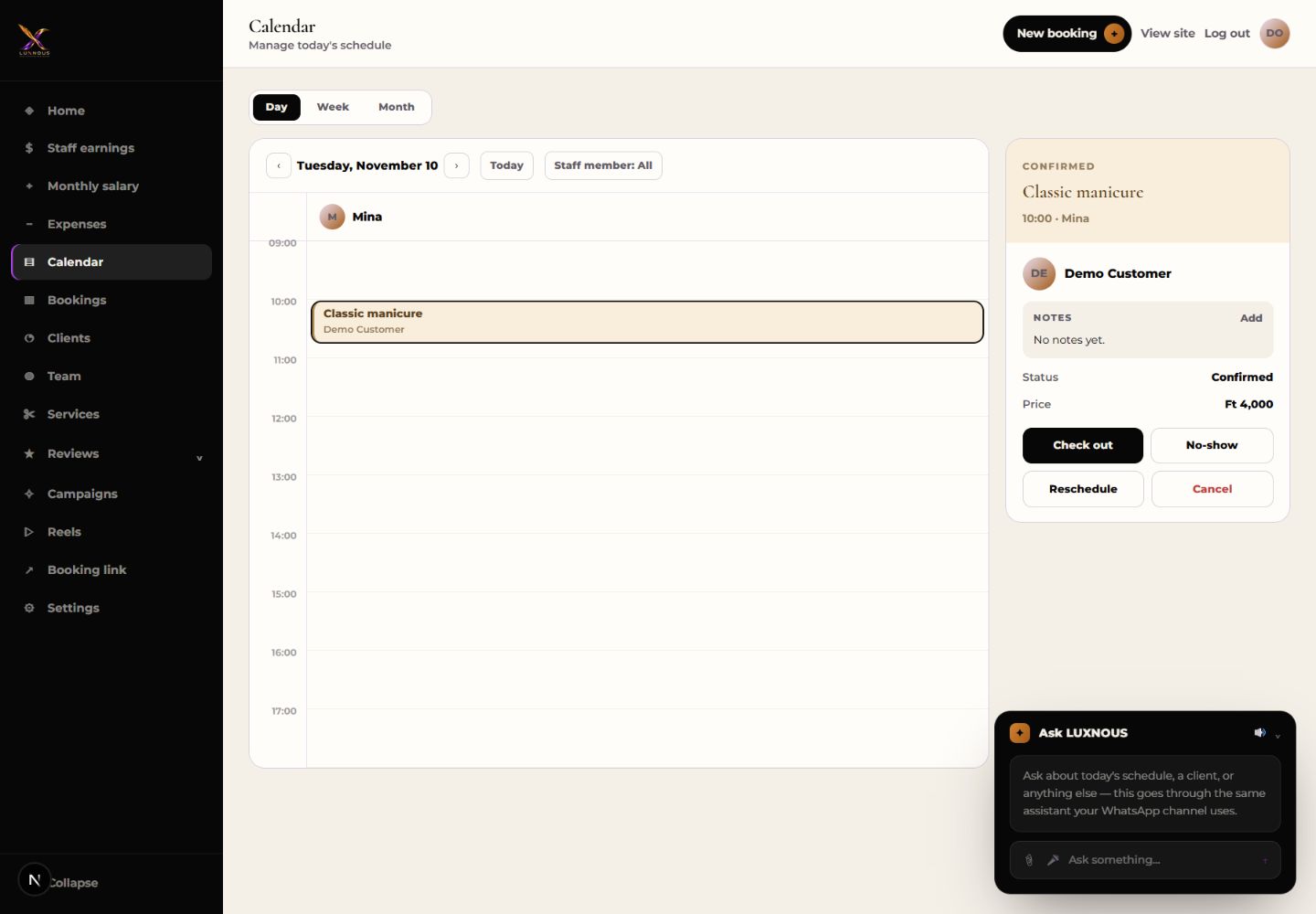
Calendar
Open the appointment on its date. Check the customer, service and staff member before changing the time or cancelling.
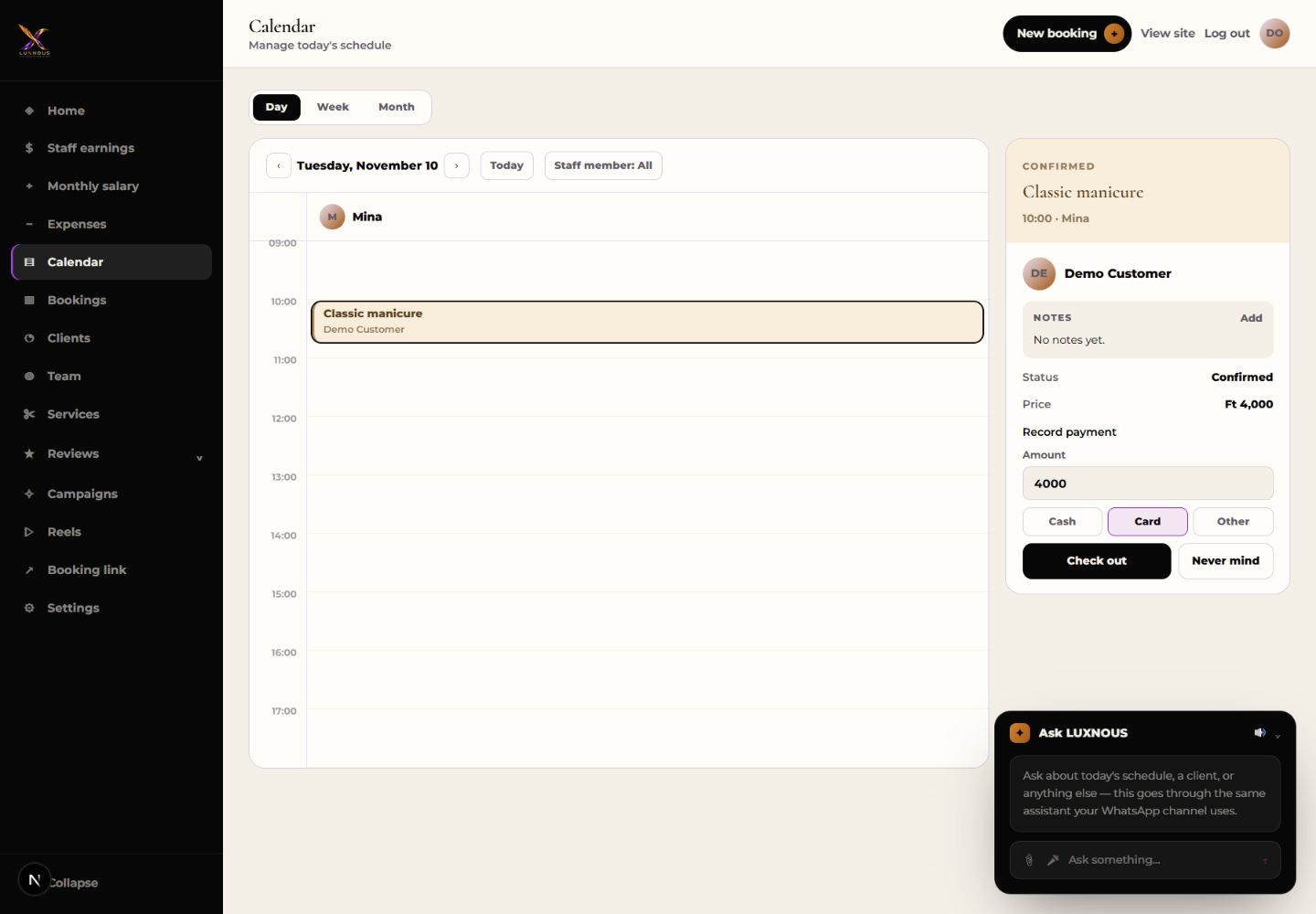
Check out
After the visit, use the checkout action on the appointment and review the recorded amounts before confirming.
Does checkout charge the customer?
Checkout records the visit and its amounts in LUXNOUS. Handle customer payment separately.