Review completed work and record staff payments
By LUXNOUS · Magyar · Deutsch · Español
Screenshots show the English demo interface with fictional salon data. The guide also describes steps beyond the screens shown.
Staff earnings
Open Staff earnings, then Completed services.
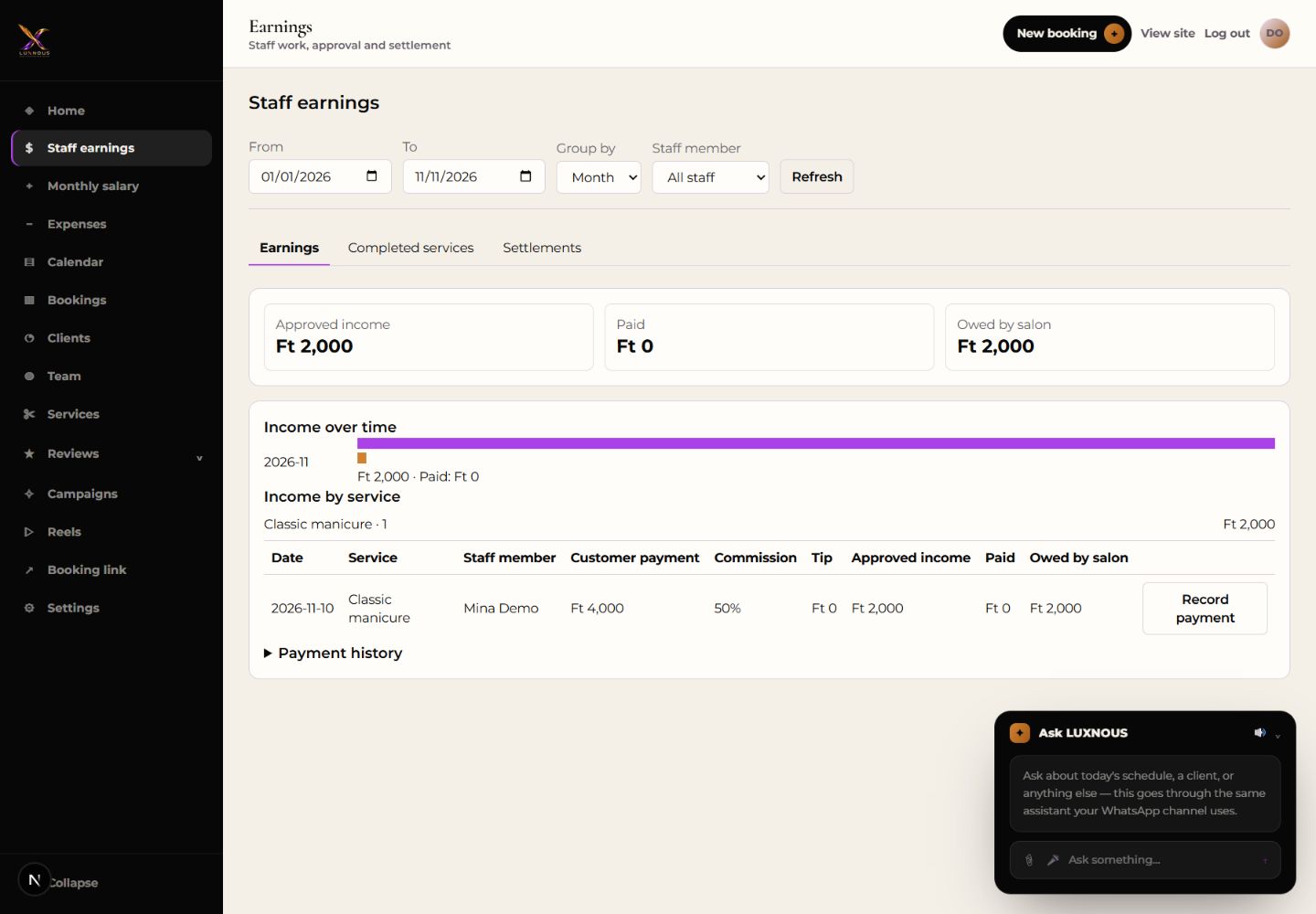
Record payment
Review the waiting entry and check the contract. For shared work, allocate the service amount and tip across the participants. After approving, use Earnings to check the outstanding amount. Use Record payment after paying the employee and check Settlements.
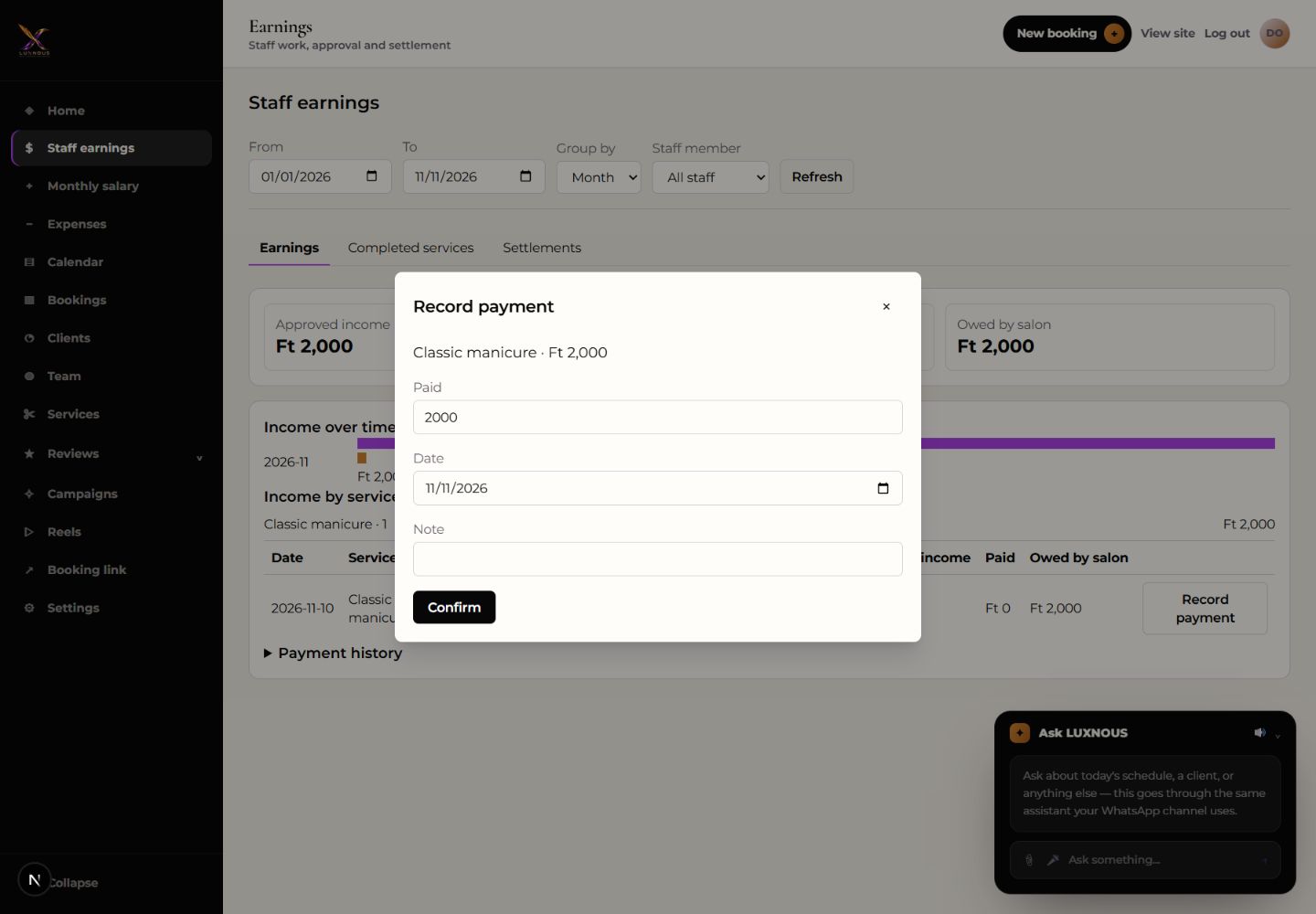
When should I use Record payment?
Use it to document money already paid. The entry reduces the outstanding balance in LUXNOUS.